
Zimbra CD 66 is the professional email service provided to employees of the Pyrénées-Orientales Departmental Council. Accessing the platform, managing emails and using its collaboration features requires knowing a few technical basics, especially when the login fails for no apparent reason.
Zimbra CD 66 and consumer webmail: the technical differences
Comparing the Department’s webmail with a consumer service quickly highlights the constraints specific to a local government environment.
| Criterion | Zimbra CD 66 | Consumer webmail (such as Gmail, Outlook.com) |
|---|---|---|
| Hosting | Servers managed by the Department’s IT department or a dedicated service provider | Provider’s shared cloud |
| Account creation | Set up by the IT department when an employee joins | Open self-registration |
| Password policy | Set by the internal IT policy (complexity, renewal) | Set by the user, with suggestions from the provider |
| Access outside the network | Available through the web portal, sometimes requiring a VPN | Accessible anywhere without restrictions |
| Archiving and retention | Rules set by the administration (not publicly documented) | Personal quota, with deletion at the user’s discretion |
The most significant difference is the employee’s control over their account. With Zimbra CD 66, account creation, password resets and deactivation are all handled by the IT department. Employees cannot recover lost access on their own as they would with a consumer service.
Many employees use the CD 66 Zimbra email service every day without knowing about these differences, making it harder to resolve problems when they arise.
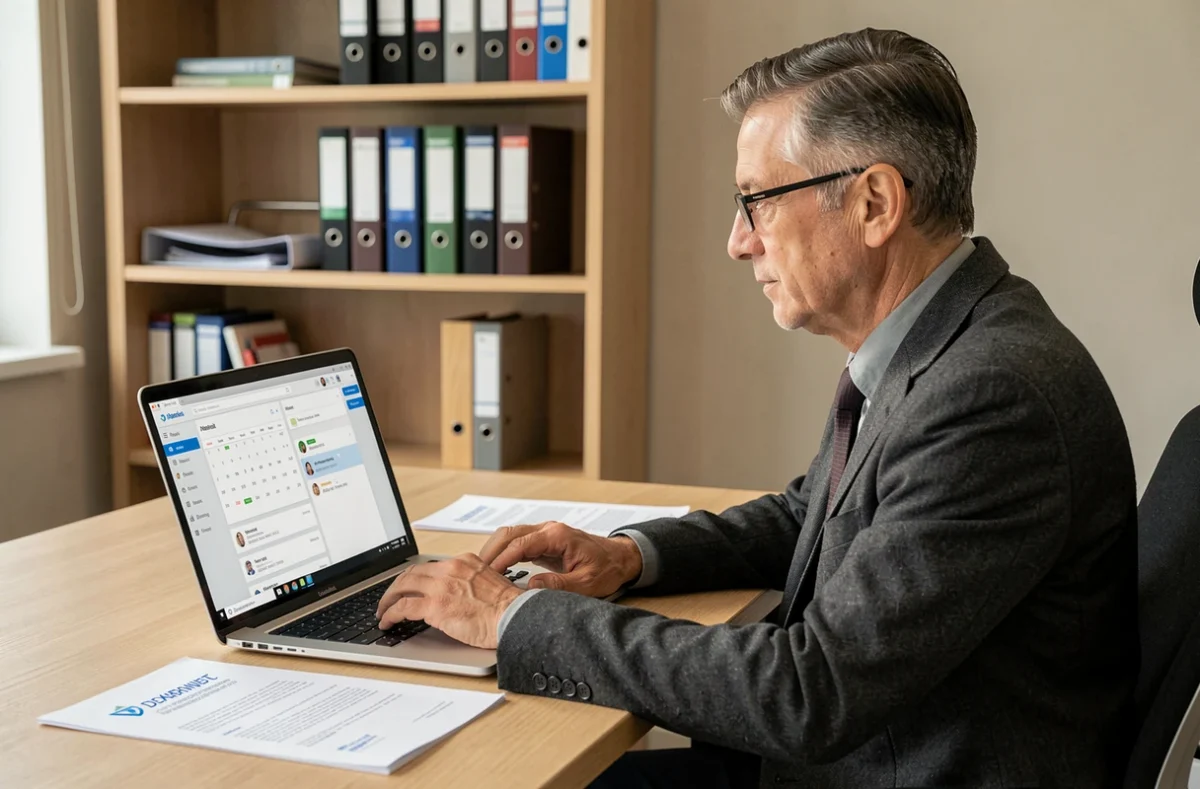
Lost access to Zimbra email: troubleshooting and practical steps
Most employees who can no longer log in to Zimbra are facing one of the following situations. Identifying the exact cause helps avoid unnecessary attempts and further account lockouts.
Residual browser sessions
The browser may have a cached, expired session. Zimbra then displays an authentication error even though the username and password are correct. Clearing the browser cache and cookies resolves this issue in most cases.
Expired password or server-side reset
The Department’s IT policy requires passwords to be changed periodically. If an employee does not change their password within the allotted time, the account is locked. The process must go through the internal IT department: there is no self-service password reset link on the CD 66 Zimbra portal.
Network or VPN restrictions
When using a device outside the Department’s network, access may require a VPN. If the VPN connection is inactive, the Zimbra portal remains inaccessible or returns a generic error message.
- Check that the login address is from the official Pyrénées-Orientales Department website, not a third-party guide with a potentially outdated URL.
- Try logging in from another browser or in private browsing mode to rule out a cache issue.
- Contact the Department’s IT department if the issue persists after these checks: only they can unlock a locked account or provide a temporary password.
A locked account can only be resolved by the IT department. Repeated attempts with an old password may make the lockout worse.
Useful Zimbra features for CD 66 employees
The official Zimbra guide (version 8.6, published in 2016) describes a range of features. Their actual availability on the CD 66 instance depends on the configuration chosen by the IT department, but several features are generally enabled in local government deployments.
Shared calendar and schedule management
Zimbra lets you overlay multiple calendars in a single view. An employee can view a colleague’s calendar (if they have been granted read access) and suggest a meeting time directly from the interface. Invitations can be managed without leaving the email service, reducing the need to switch between applications.
Email filters
Filtering rules automatically sort incoming emails into dedicated folders. For example, an employee receiving notifications from several departments can direct messages from a specific sender to a named folder. Setting up two or three targeted filters is enough to reduce inbox clutter.
Address book and mailing lists
The internal address book contains contacts from the Department’s directory. Mailing lists, managed by the IT department, let users send a message to an entire group without entering each address individually. Employees cannot create a global mailing list themselves, but they can create a personal contact group for recurring messages.

Zimbra CD 66 account security: what the public documentation does not specify
Information available online does not detail which protections are actually enabled on the Department’s Zimbra instance. Public sources neither confirm nor rule out multi-factor authentication. Claiming that it is enabled would be speculation.
This lack of clarity has practical consequences: employees do not always know what security measures protect their accounts. If they notice suspicious activity (a login from an unusual location or messages sent without their involvement), the most reliable course of action is to report the incident to the IT department rather than change their settings themselves.
Email archiving and retention rules are also not publicly documented. Employees who leave the Department or move to another department have no way of knowing how long their messages will remain accessible. Asking the IT department for this information before changing roles helps prevent the loss of work-related data.
The CD 66 Zimbra email service serves as a day-to-day collaboration platform, provided each employee knows whom to contact for technical support if they are locked out. The IT department remains the sole point of contact for anything related to access, security and data retention.